
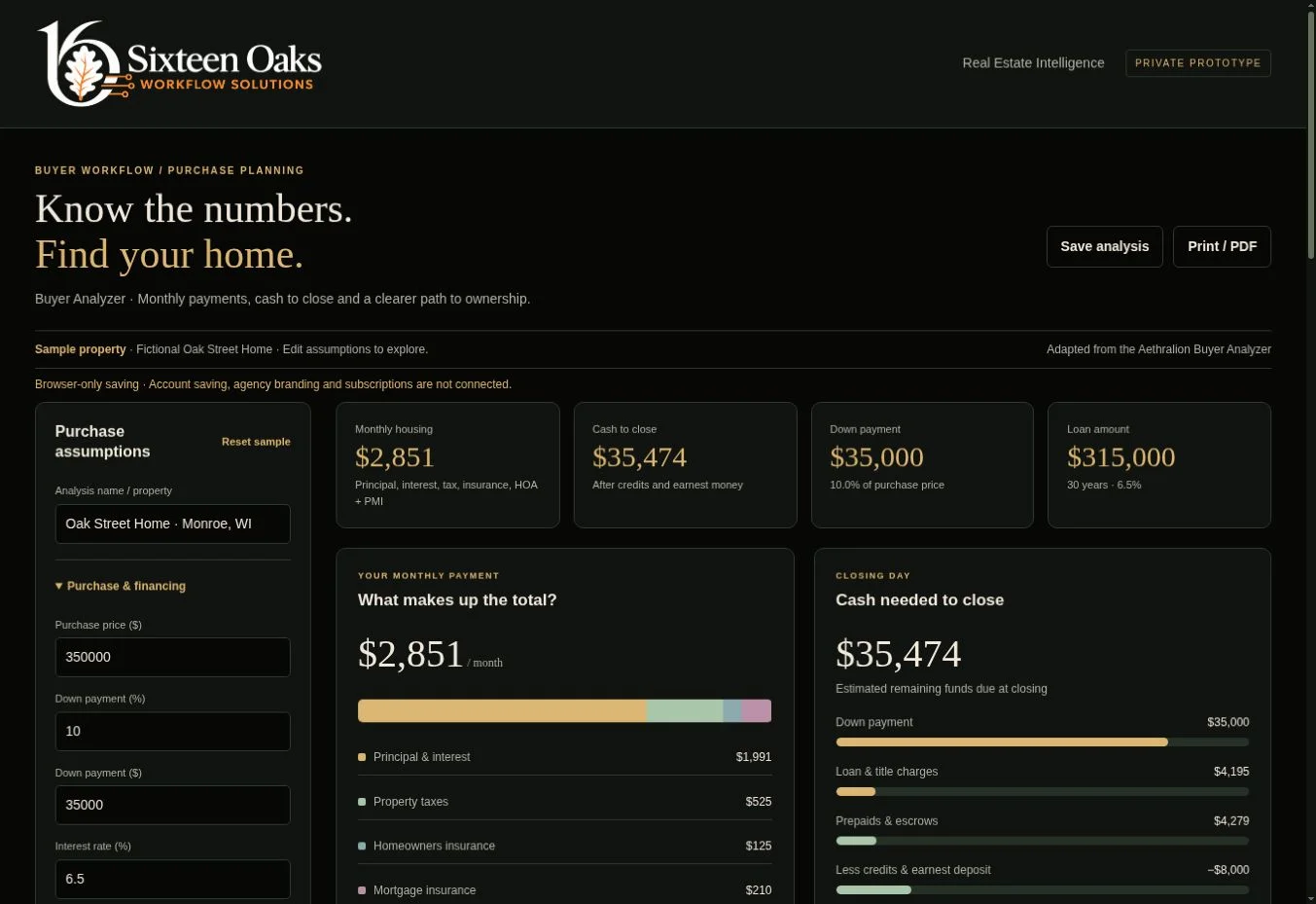
Buying / 14-day trial
Buyer Analyzer
What will this home really cost?
Understand the monthly payment, estimated cash to close and the effect of a different purchase price.
- Payment breakdown
- Itemized closing costs
- Purchase scenarios
Sixteen Oaks Real Estate Intelligence
Practical analysis and document-review tools for agents, buyers, sellers and investors. Explore the numbers, understand the findings and prepare for a better conversation.
Six analyzers · Seven AI workflows · One shared account
Built around the task
Start with the decision in front of you. Use the analyzers to understand the numbers, then use the AI workflows to organize source documents, compare offers and prepare client conversations. Your private workspace keeps saved work and agency branding together.
Choose your next conversation
All six analyzers and seven AI workflows share one login and agency branding in your private workspace.
Buying / 14-day trial
What will this home really cost?
Understand the monthly payment, estimated cash to close and the effect of a different purchase price.
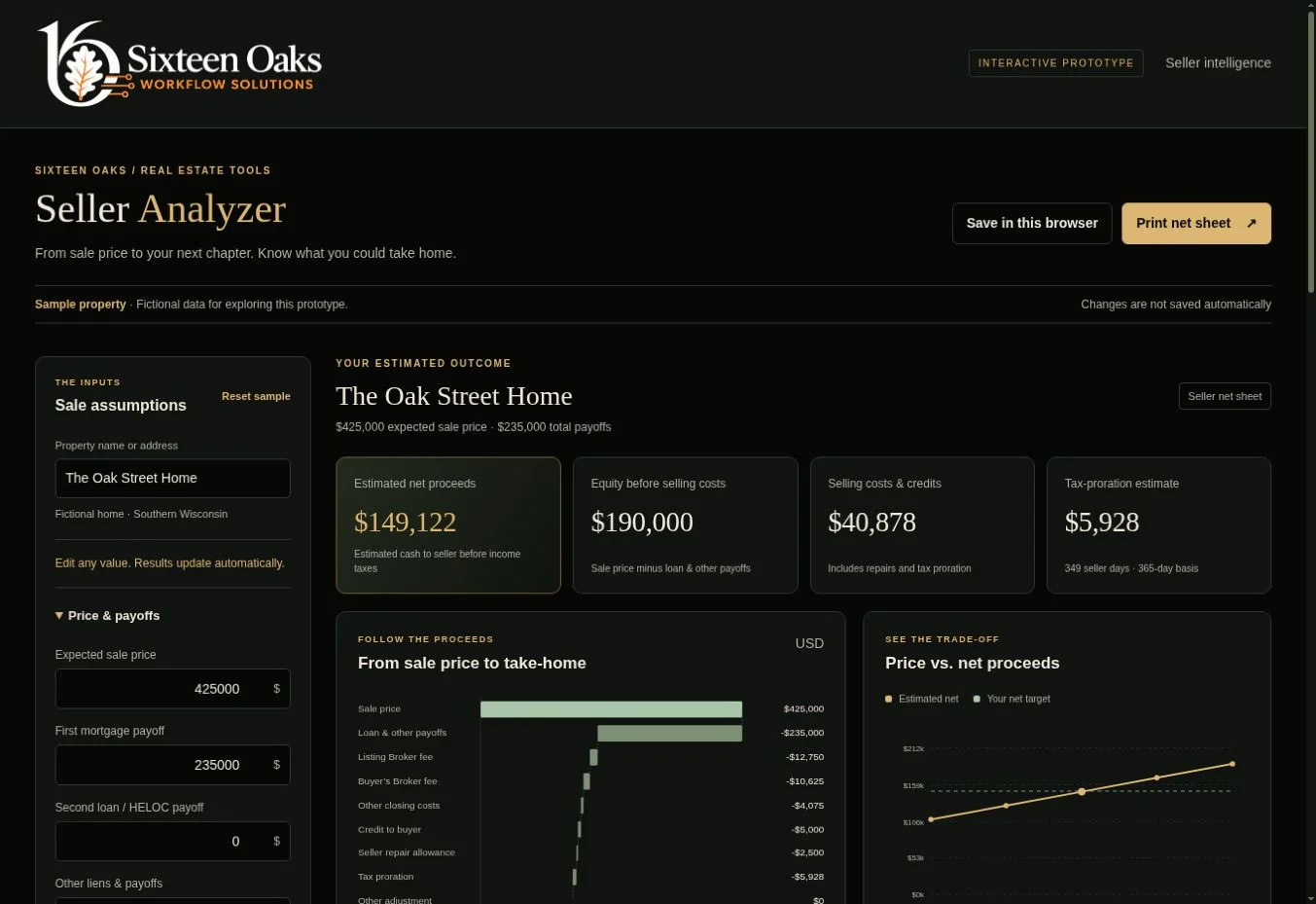
Selling / 14-day trial
What could you walk away with?
See how the sale price becomes estimated net proceeds, with separate listing-broker and buyer’s-broker fees.
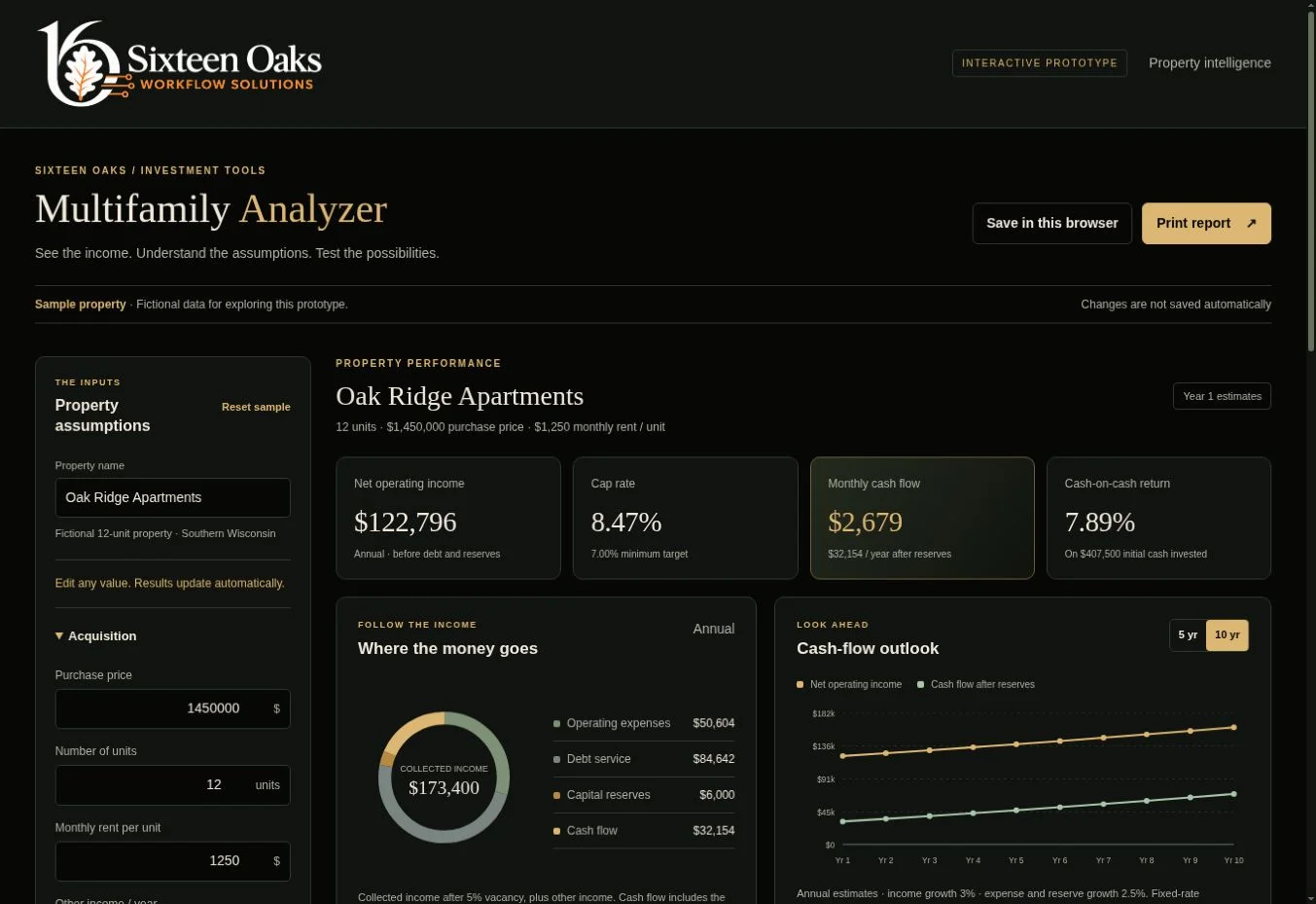
Investing / 14-day trial
How do the property’s numbers hold up?
Explore income, operating costs, financing and projected cash flow with assumptions you can change.
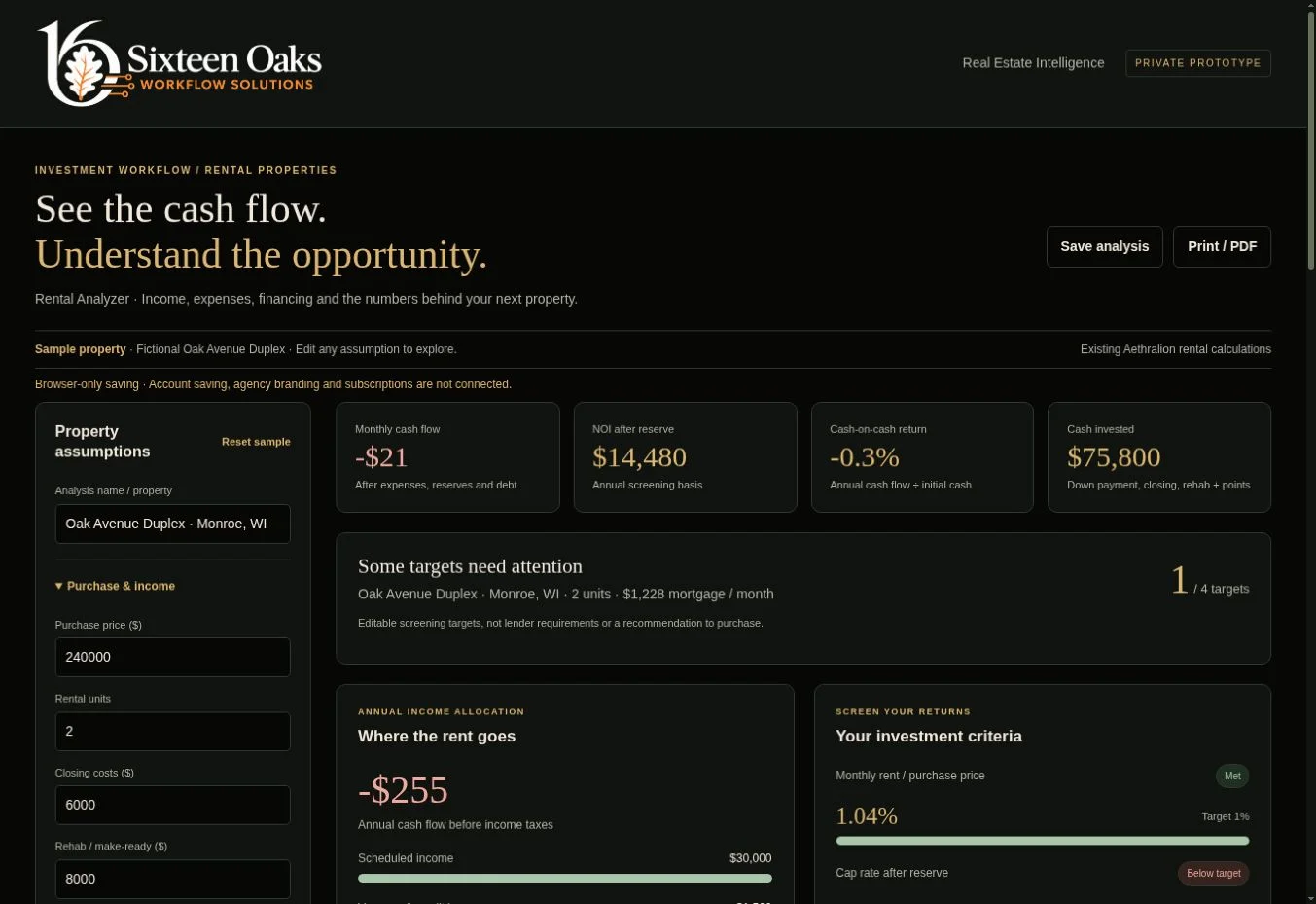
Investing / 14-day trial
Does this rental meet your targets?
Screen a rental property against your return criteria and see the price or rent needed to meet them.
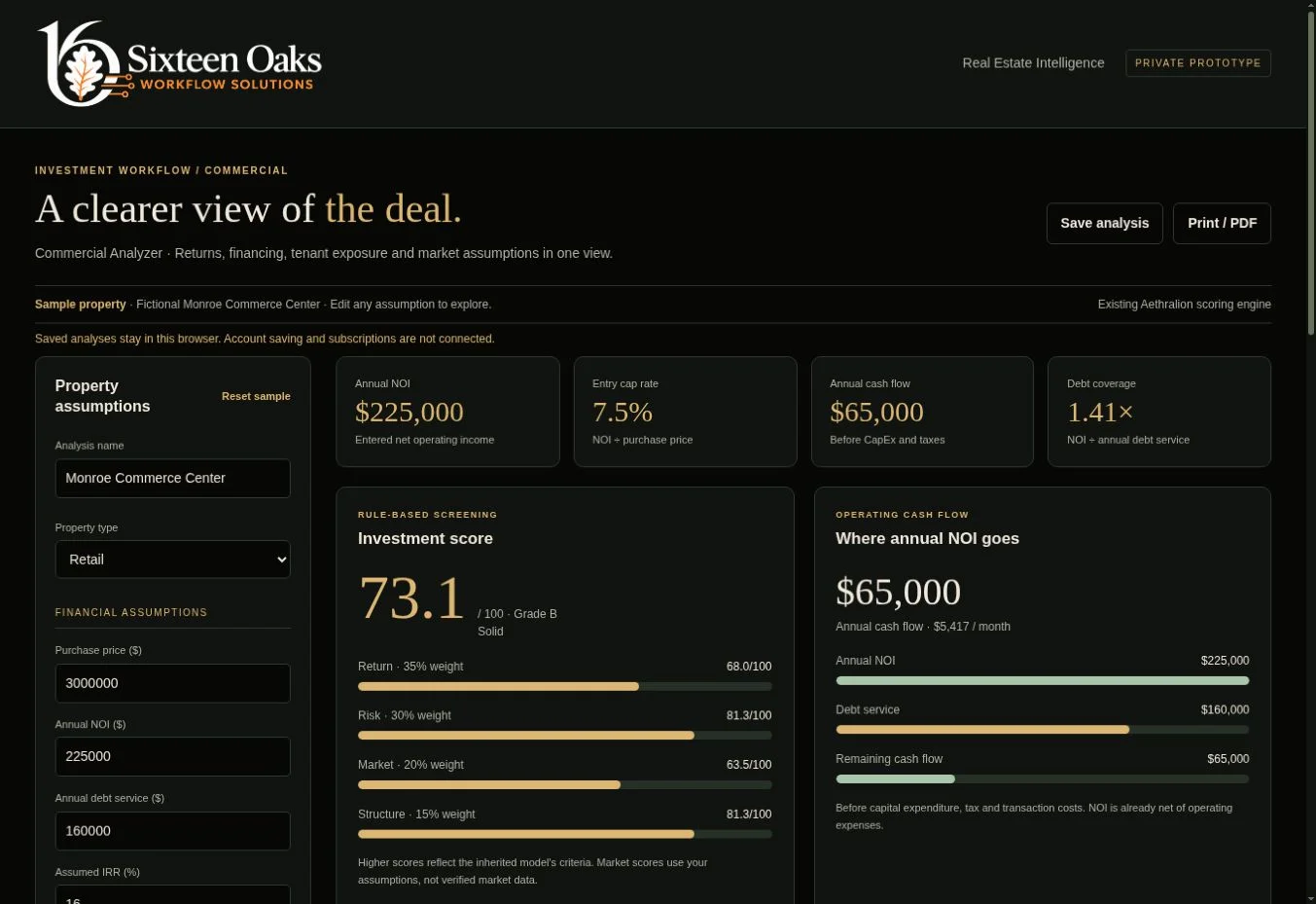
Investing / 14-day trial
Where is the opportunity—and the exposure?
Bring entered financial assumptions, tenant concentration, lease rollover and financing into one view.
AI-assisted reviews and strategy
Bring the documents into focus, with buyer guidance and internal agent reports kept separate. Your saved agency branding carries through to the downloads.
Wisconsin seller disclosures / AI review pilot
What has the seller disclosed?
Organize a Wisconsin Real Estate Condition Report into buyer guidance and a separate internal Agent Quick Read. Keep the source references close as you prepare for inspection.
One complete PDF · Up to 20 pages · 8 MB
Open RECR ReviewInspection and supporting reports / AI review pilot
Which findings need your attention?
Read the inspection alongside radon, well/septic and other supporting reports. Separate priority concerns, discussion items and future maintenance, with an internal guide for your buyer review call.
Up to 6 PDFs · 60 combined pages · 20 MB combined
Open Inspection Report ReviewAppraisal and supporting CMA / AI review pilot
What does the reported value mean for this transaction?
Review the appraisal, its adjustments and any gap from the contract price. Prepare separate client guidance and internal agent notes using the supplied documents.
Complete appraisal PDF · Optional CMA PDF or Word
Open Appraisal ReviewPurchase offers / AI review pilot
Which terms need a closer look?
Organize buyer offer terms or compare seller offer packets. Keep deadlines, concessions and missing information visible as you prepare your review.
Complete offer packets · Optional CMA
Open Purchase Offer ReviewSubject and comparable property sheets / AI review pilot
What do the supplied comparable sales indicate?
Review supplied MLS sheets with editable adjustment assumptions, comparable-sales analysis and Buyer or Seller reporting. The workspace does not search the MLS for you.
Subject and comparable PDFs
Open CMA ReviewSeller decisions / AI review pilot
How do the offers compare after concessions?
Compare supplied offers, stated seller priorities and known concessions. Organize response options and client discussion points with clear source references.
Offer packets and supporting CMA
Open Seller Offer StrategyBuyer decisions / AI review pilot
What changed—and does it still fit the buyer?
Compare an original offer with the seller’s counter, check entered price and budget limits, and prepare a response conversation grounded in the supplied documents.
Original offer and counter packet · Optional CMA
Open Buyer Counteroffer StrategyA limited pilot, with clear usage. Pilot accounts start with 3 AI attempts shared across all seven workflows. Your current allowance is shown in the workspace. Attempts submitted to AI count even if the review fails. Reopening and downloading saved reviews uses no new AI attempt.
Check every finding and source reference before sharing. These summaries support your review; they do not replace an inspection or professional advice.
Beyond property transactions
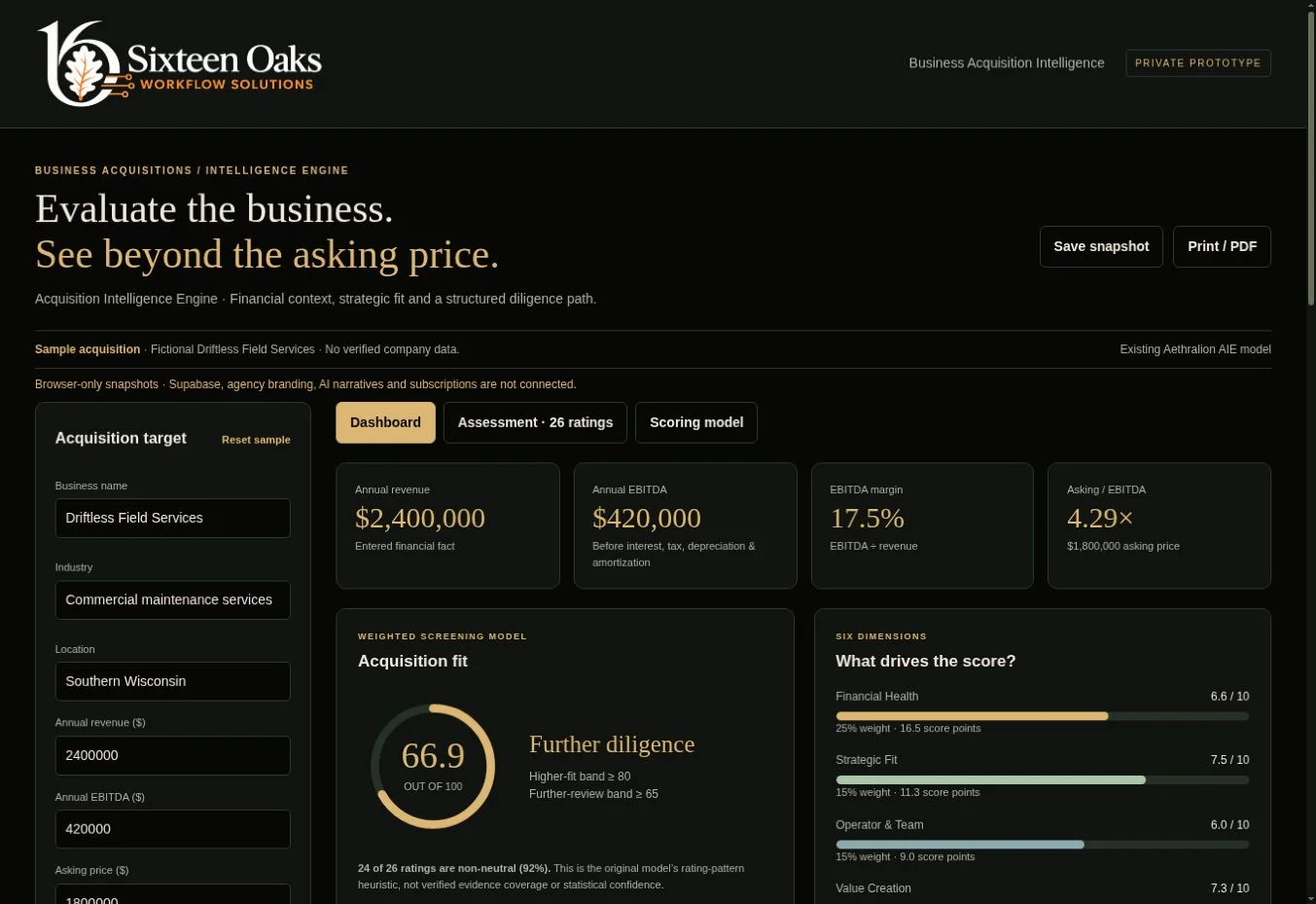
The Acquisition Intelligence Engine is a separate business-screening tool. Assess financial health, strategic fit, the team, value creation, risk and integration through a structured questionnaire.
Help shape the next version
Create one account for all six analyzers and the seven AI workflows. Your free 14-day trial starts when you choose to begin in your workspace.
Start your free 14-day trialOne shared login. Choose a property analyzer, Acquisition Intelligence or an AI workflow after signing in.
Your work, saved to your account. Save analyses and document reviews privately. Set up your agency branding once on the workspace home page. The analyzers provide branded reports, and AI workflows offer client and internal agent PDF and Word downloads.
14 days free, with no card required. No automatic charges. The AI review pilot has the shared allowance shown above. Subscription tiers and pricing are still being developed. After your trial, saved records remain in your account; contact us about continued analyzer access.
Estimates support discussion and review. Verify property information, lender costs, tax assumptions and financial inputs with the appropriate professionals.
A conversation is a good place to start
Tell us which analyzers or document reviews you’d like to try and how you plan to use them.